

Hello, and welcome to this tutorial article on how to create an Image Post
I'll guide you through the process.
Let's dive in!
Step 1: From your dashboard, click on Chat with AI.
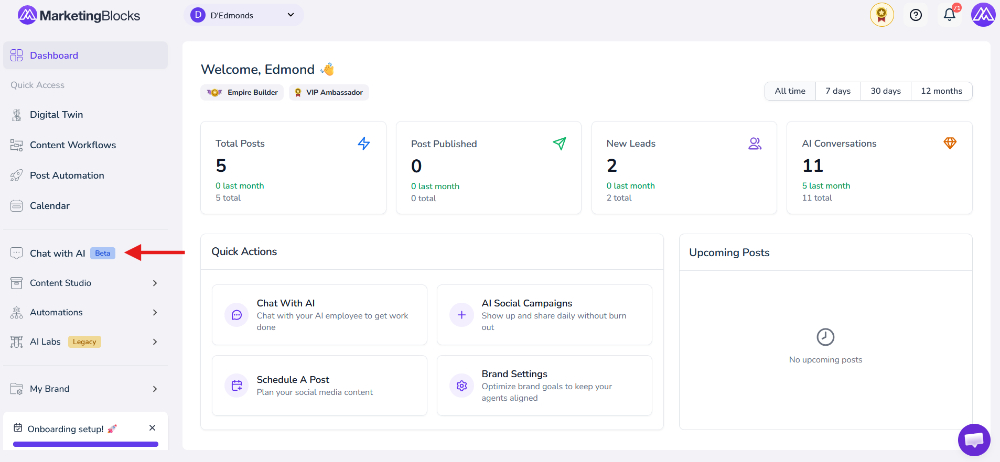
It will take you to a page.
- Click "Create an Image Post"
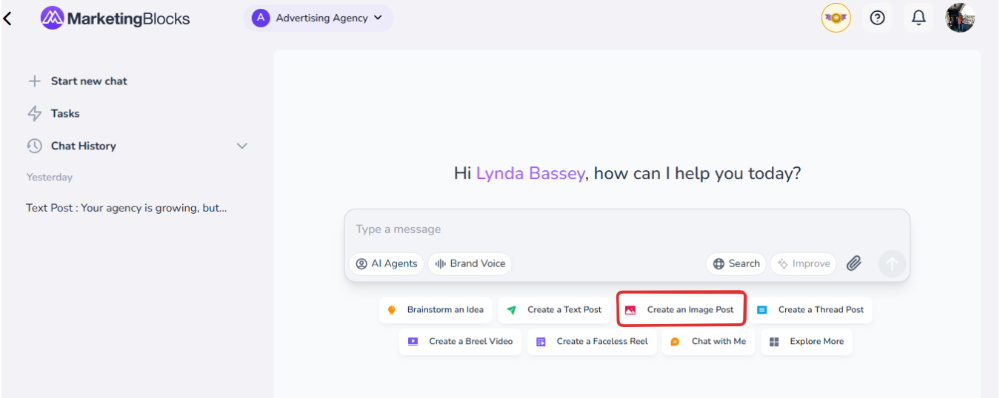
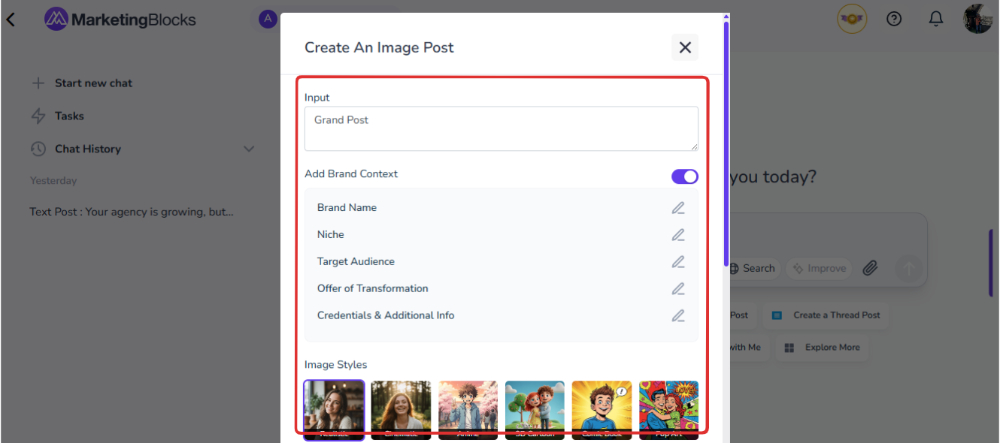
Step 2: A pop-up will appear.
- Enter a Title and select the Image styles.
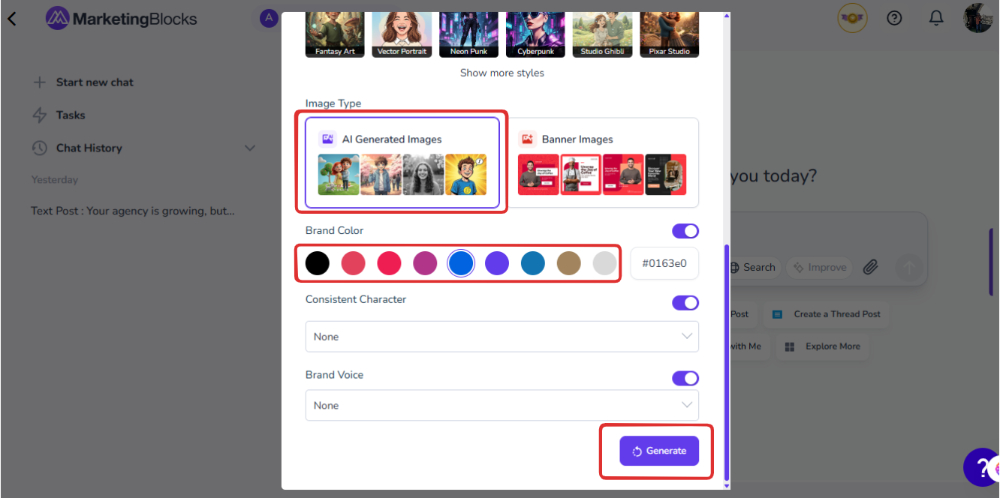
- Select your image type, color, and brand voice.
- Then, click on "Generate."
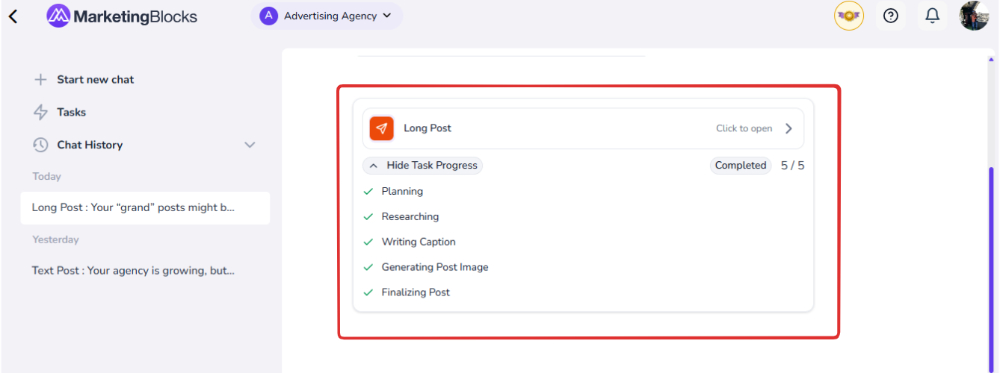
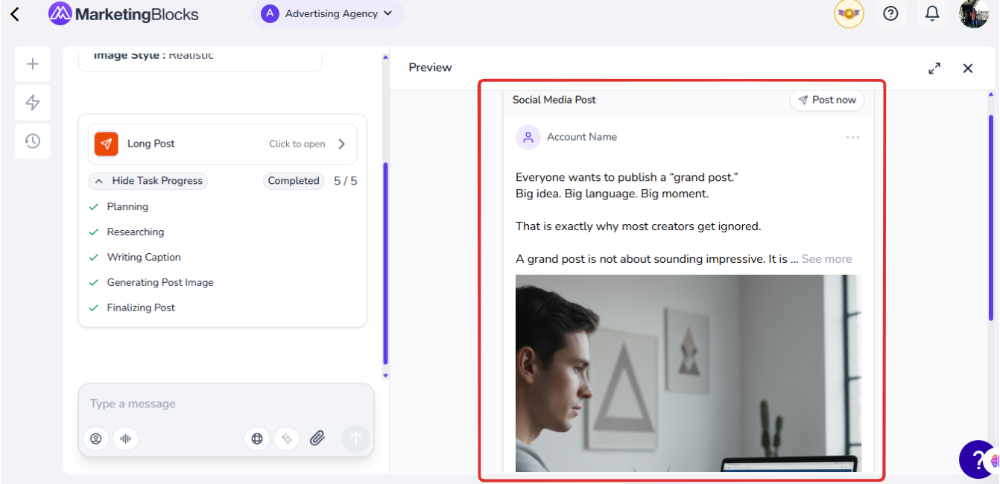
Step 3: Boom! “Your image post is ready.”
- Open it.
That's it!
If you need further assistance, kindly use the chat widget at the bottom-right corner of this page or email our support desk (support@marketingblocks.ai) for prompt service.
Thank you!