In this article, to access the AI Voice Over dashboard
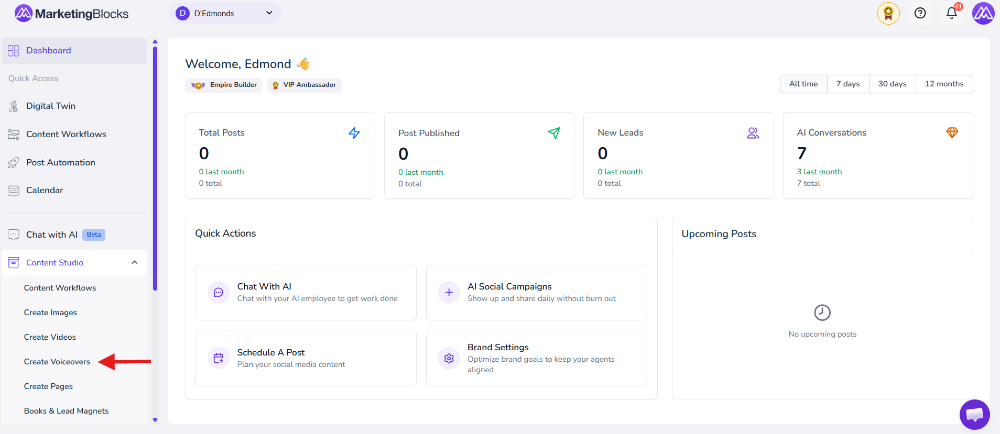
Step 1: From your dashboard, click on the Content Studio inside the drop-down menu, and click on Create Voiceovers.
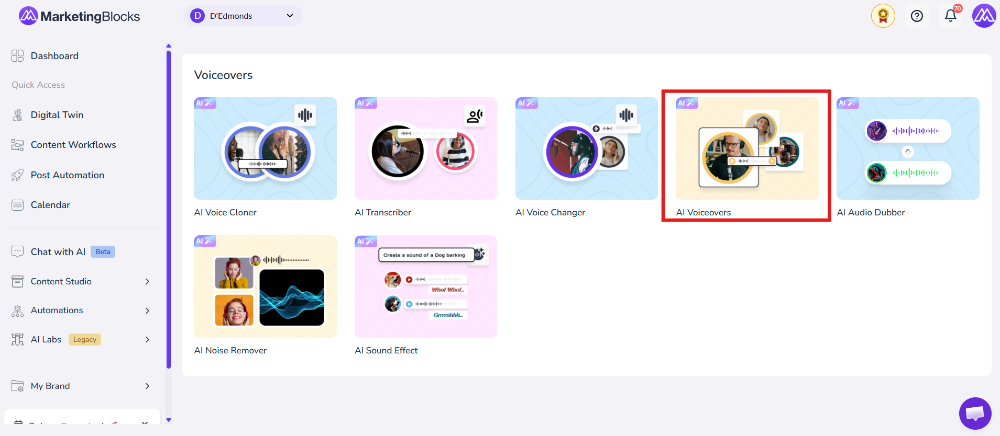
Step 2: Click on the Voiceover option
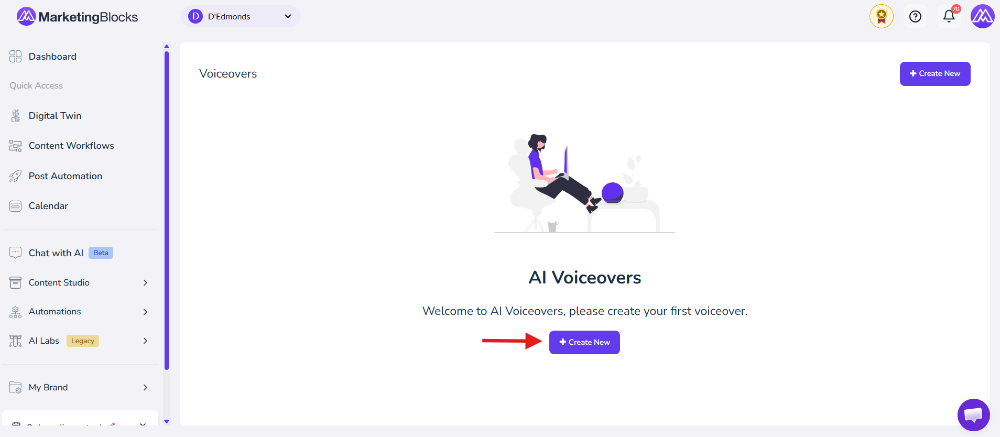
Step 3: Click here to create a new
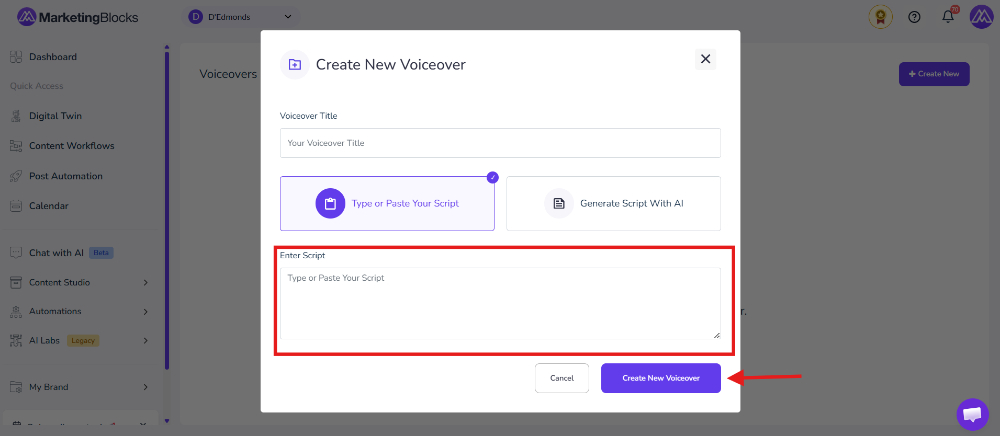
Step 4: Input the voiceover title. You can either type your script or generate a script using AI. Then click on Create
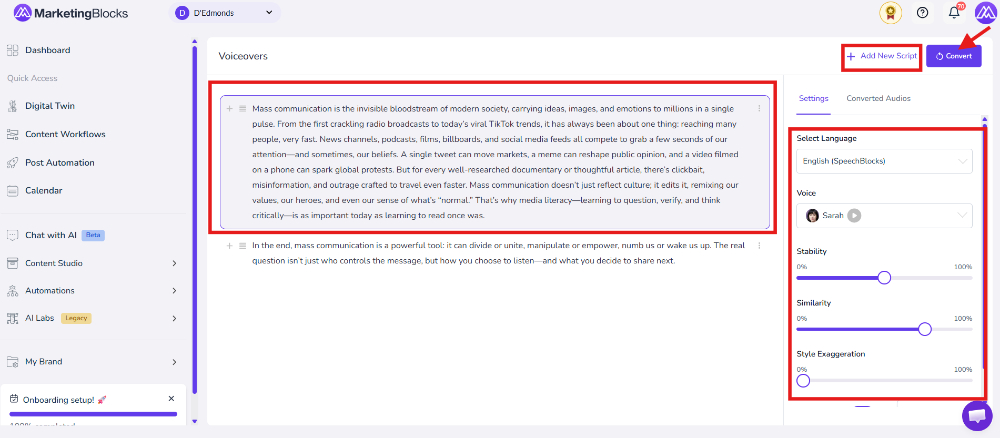
Step 4: Configure and Convert Your Voiceover: Use the settings panel on the right-hand side to select your preferred language and voice for the voiceover. You can also adjust voice settings such as stability, similarity, and style exaggeration to customize the audio output. Click Add New Script to add more voiceover sections or click Convert to generate the final AI voiceover audio.
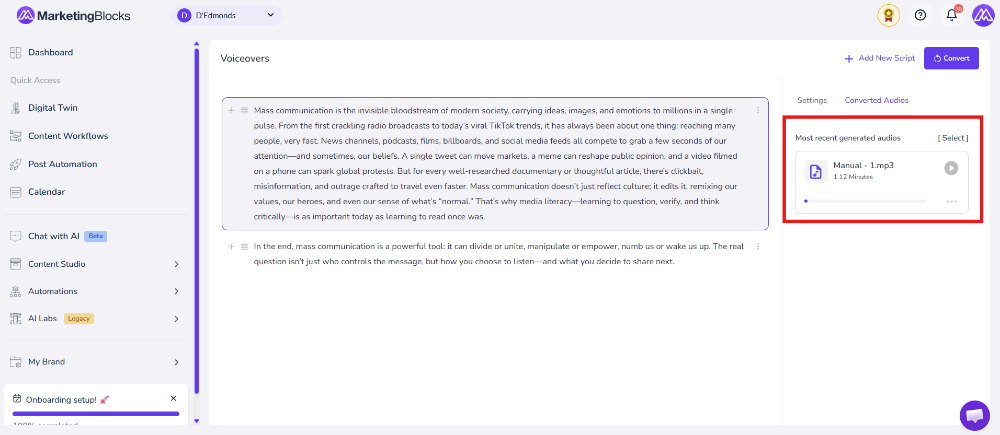
Step 5: You can now download the voiceover on your right-hand side.
That’s it!
If you need further assistance, kindly use the chat widget at the bottom-right corner of this page or send an email to our support desk (support@marketingblocks.ai) for prompt assistance.