

This article walks you through the steps to connect a YouTube account
Below are the steps:
Step 1: From your dashboard, click " Post Automation "
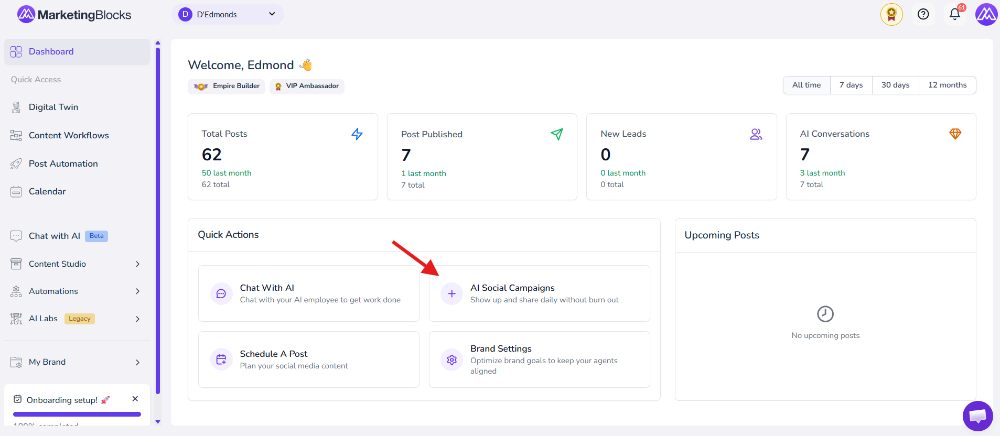
Step 2: Click "Channels" and add a channel
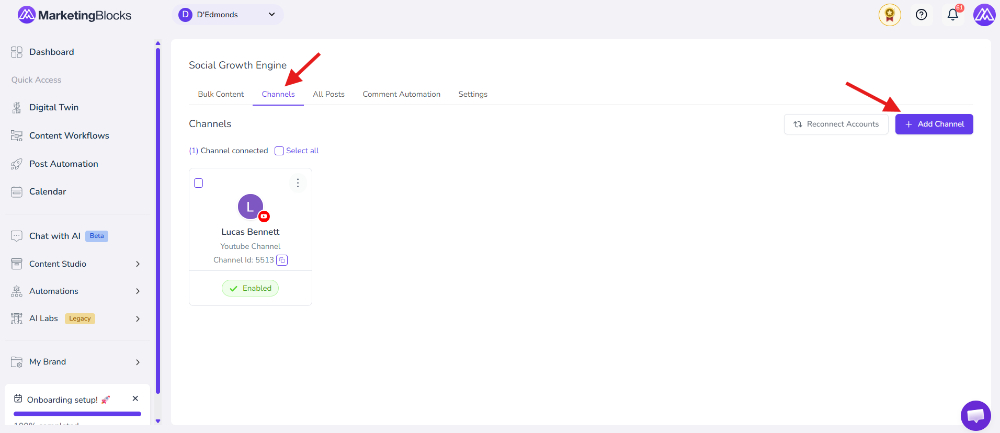
Step 3: Notice that a pop-up will show up for you to add a channel. Proceed by adding the YouTube channel. Click "Add Channel."
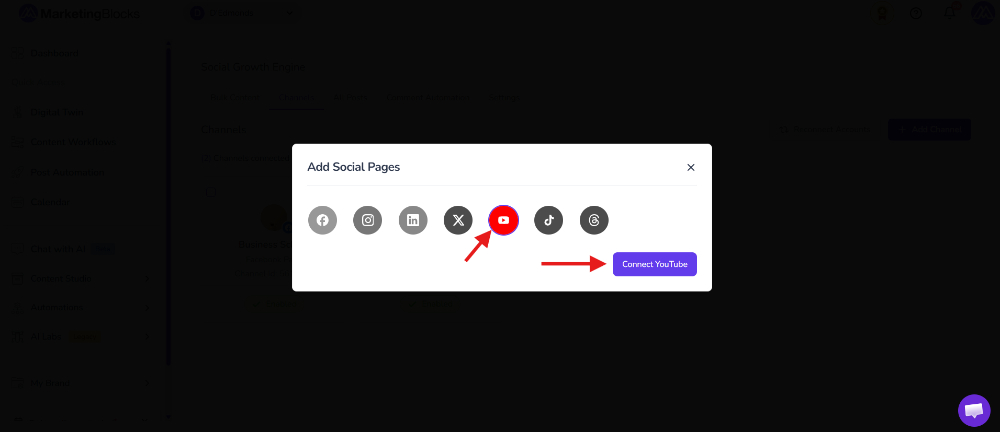
Click on Continue


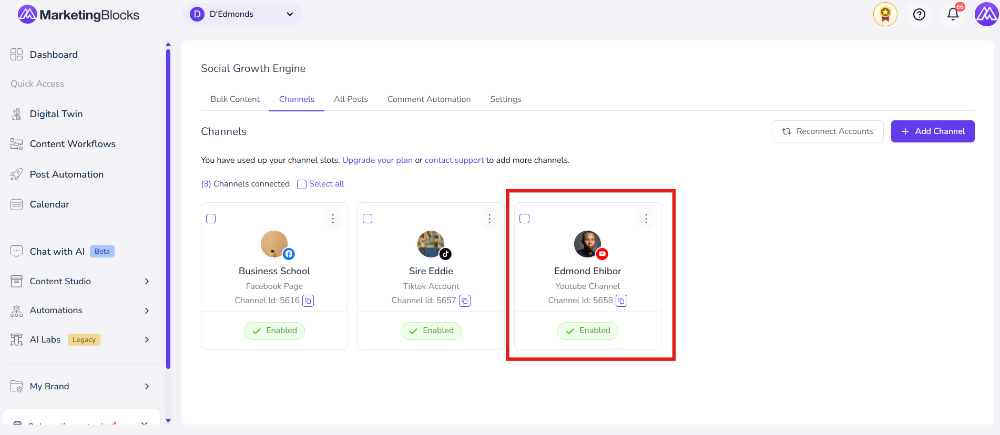
That's it!
If you need further assistance, kindly use the chat widget at the bottom-right corner of this page or email our support desk(support@marketingblocks.ai) for prompt assistance.
Thank you!